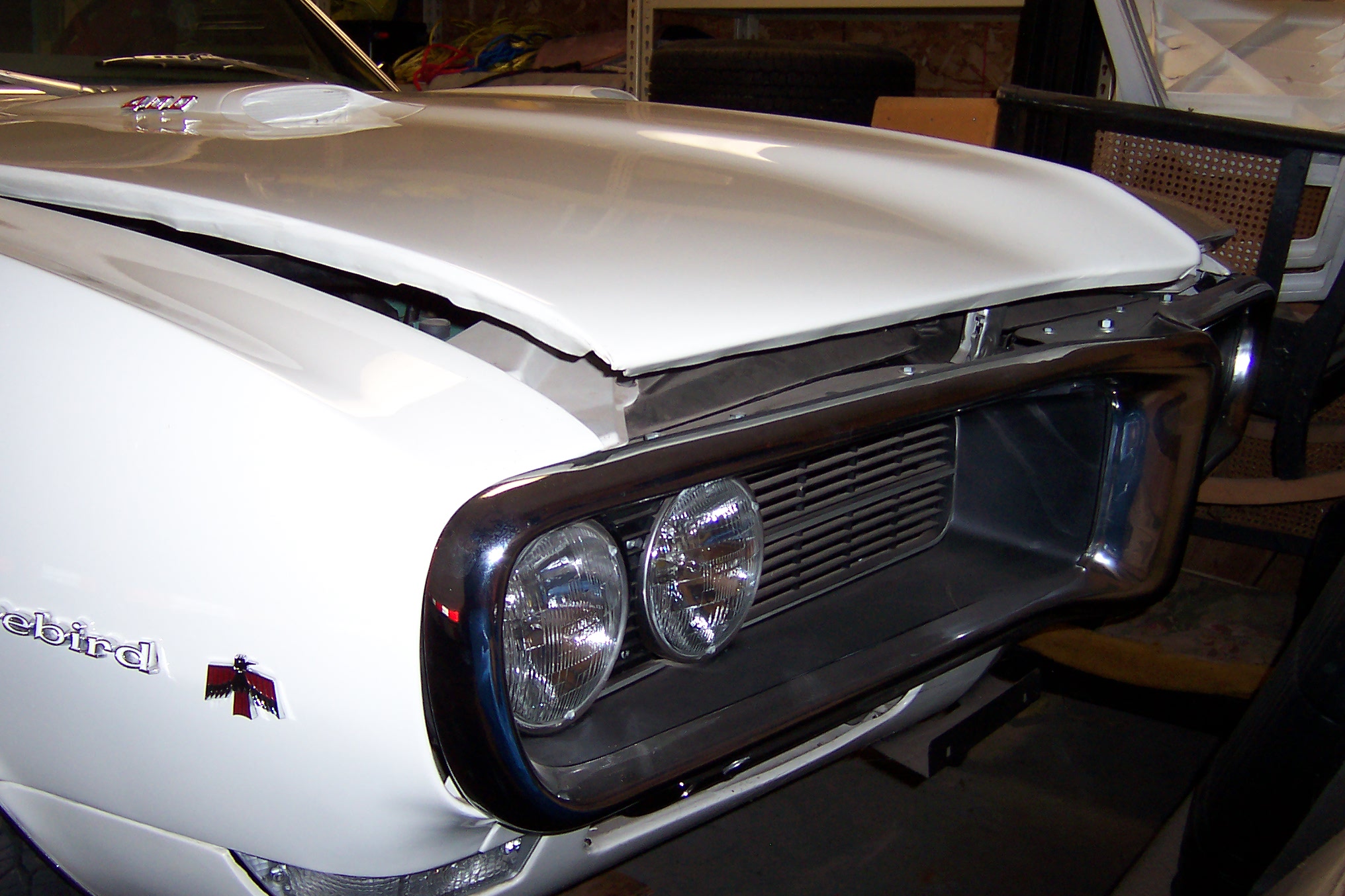
Testing my ability to add photo using "full reply screen" and "file manager".
Well lookie below...It worked!!! Heck...I just learned something new today also...never noticed that "file manager" screen there. In the past I have always used Photobucket for pics (which I still prefer for larger/more detailed photos...but this works faster, and is fine for lower resolution shots!)
Firstgen54: I'm not sure where you're going wrong...here are some more detailed directions to maybe help you out: In "File Manager", "choose file", then screen pops up to allow you to browse your computer for your photo. Click it. Then "add file", then it will count up as it uploads. When finished click "done adding files".
Then finish typing your text and "submit" as usual.